Control notifications per person you follow on TBuddy
September 5, 2026· 4 min read · by the TBuddy team
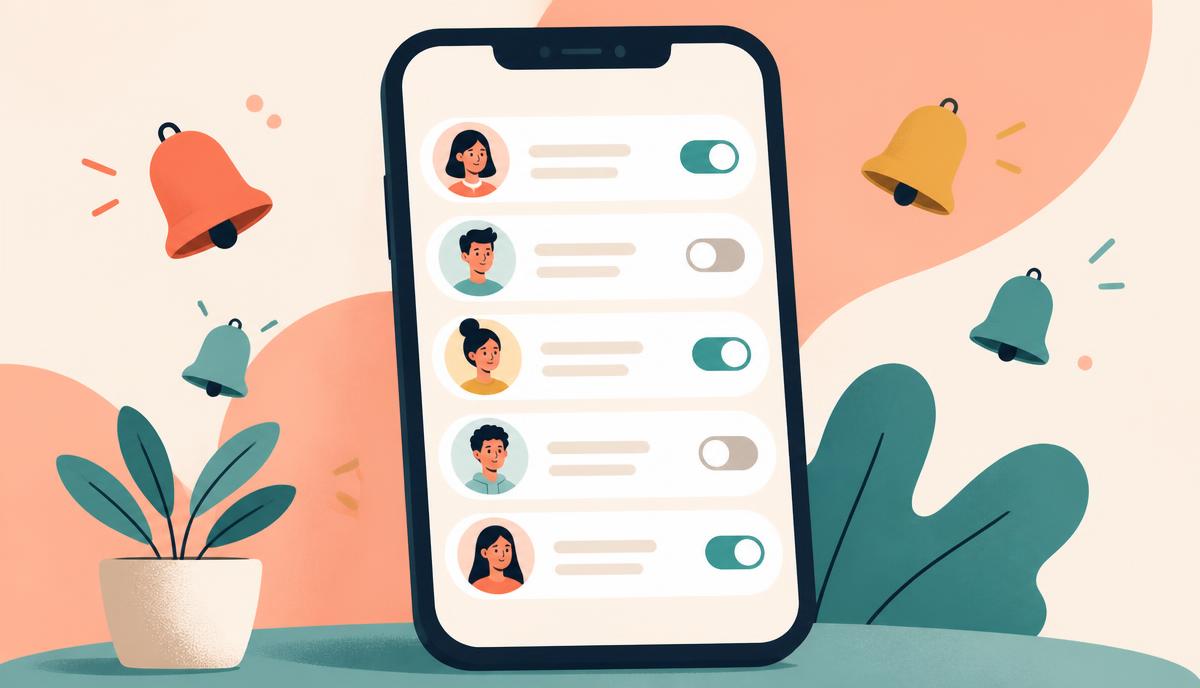
Following someone used to be all-or-nothing: you either got every alert they generated, or you unfollowed them and lost the connection. Manage notifications fixes that. You can now decide, person by person, exactly which of their updates reach your phone — and everything stays on by default, so nothing changes until you want it to.
Where to find it
Open Notifications and tap "Manage notifications" at the top, or go to Settings and tap the same option. You'll see every person you follow, newest first, and the list keeps loading more as you scroll — so it works whether you follow ten people or ten thousand.
What you can switch off
- Mood — the 24-hour status text people set on their profile.
- Posts — new services and offers they publish.
- Stories — photo and video stories that disappear after a day.
- Products — items they list for sale.
- Tasks — new jobs they post looking for help.
- Chats — message alerts from that person.
One switch, or six
Each row has a master switch. Turn it off and that person goes fully quiet — you still follow them, you just stop getting pinged. Tap "Customise alerts" instead and you get the six individual switches, so you can keep, say, chat and tasks on while muting stories and moods.
Muting is not unfollowing. Their posts still appear in your feed — you just choose when you look.
Why we built it this way
The fastest way to make people ignore notifications is to send too many. Rather than throttling alerts with a blunt global setting, we handed the dial to you at the level where it actually matters: the individual person. A trekking buddy you meet weekly and a seller you followed once for a single purchase should not have the same volume.
A few practical tips
- Mute moods and stories first — they're the highest-frequency, lowest-urgency alerts.
- Keep chat alerts on for anyone you have an active task, order or booking with.
- If you follow lots of sellers, leave Products on only for the categories you actually shop.
- Changes save instantly; there's no confirm button and nothing to submit.
Notifications should feel like a friend tapping your shoulder, not a crowd shouting. Spend two minutes in Manage notifications and the rest of the app gets noticeably calmer.