
The TBuddy Wallet, explained: top-ups, spend, refunds and withdrawals
July 22, 2026· 6 min read · by the TBuddy team
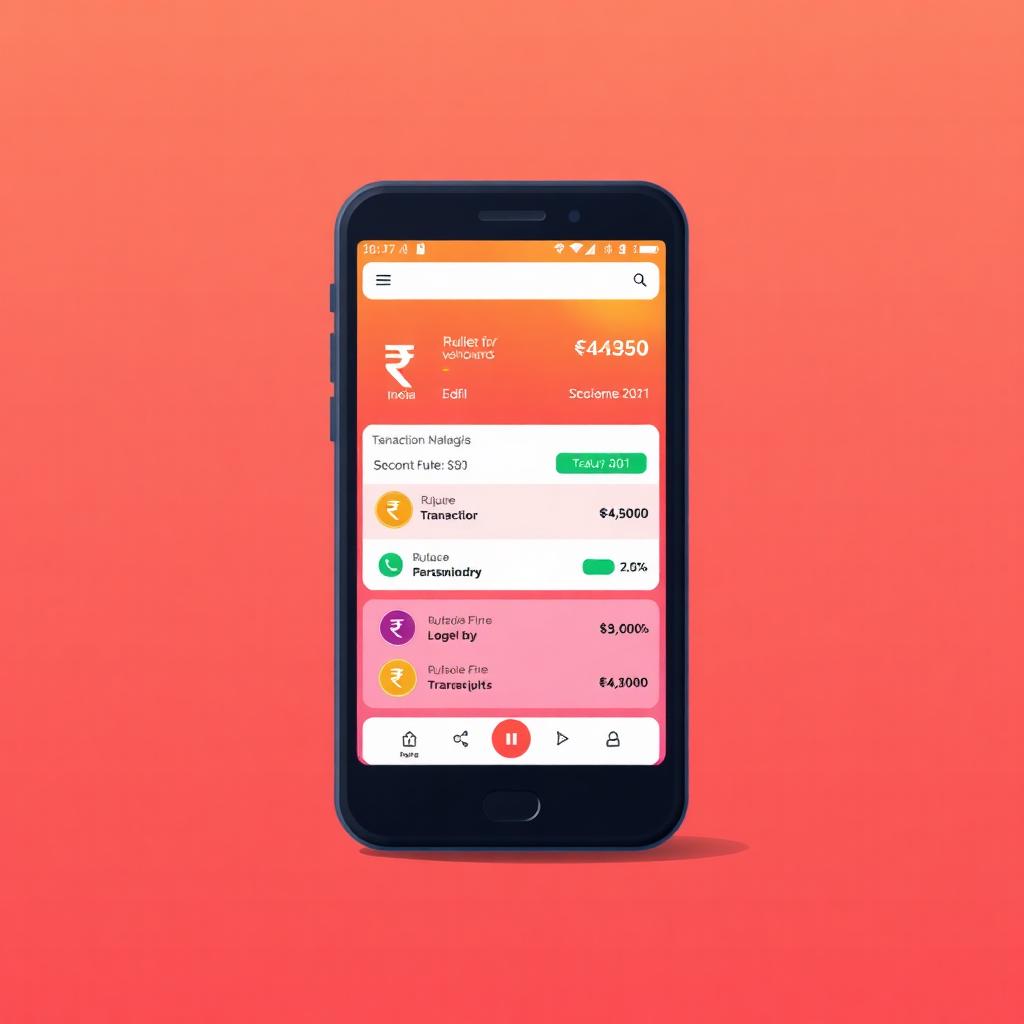
The TBuddy Wallet is the single balance you use to pay for anything TBuddy sells you — memberships, boosts, extra daily slots, ad budgets, promo application fees, expiry extensions and reschedules — plus it holds Social Promotion payouts in escrow. It is not a bank account, and it does not earn interest. Think of it as a top-up card for the app.
How to top up
Open the sidebar, tap Wallet, then Add money. Pick an amount, pay to the shown UPI ID or QR, and submit the payment reference. Our admin team verifies it and credits the balance, usually within a few minutes. If you submit the same reference twice within 2 minutes it is deduplicated automatically, so you never get double-charged.
Daily and monthly limits
- Top-ups are capped at ₹10,000 per day and ₹1,00,000 per month per account.
- This is a safety cap to prevent misuse. If you're running a bigger promotion, write to help@tbuddy.app and we can lift it after review.
What the balance is spent on
Every credit and debit is written to your transaction history with a category — top_up, ad_slot, plan, badge, boost, refund, referral, escrow or withdrawal. Filters at the top of the wallet screen let you drill into any of them, and CSV export gives you a monthly statement for accounting.
Refunds
Unspent budget on a paused or closed ad is auto-refunded to your wallet within minutes. Ads rejected in manual review are refunded in full. Memberships, badge and slot purchases are non-refundable once activated, except where the law requires otherwise.
Withdrawals
Once your balance is above ₹100 you can request a withdrawal to your UPI ID from Wallet → Withdraw. We process withdrawals within 1–3 business days. As a chargeback-fraud safeguard, withdrawals are frozen for 24 hours after any top-up. If the withdraw button is blocked, the wallet screen shows the exact reason and when it clears.