How we verify every TBuddy profile
May 8, 2026· 5 min read · by the TBuddy team
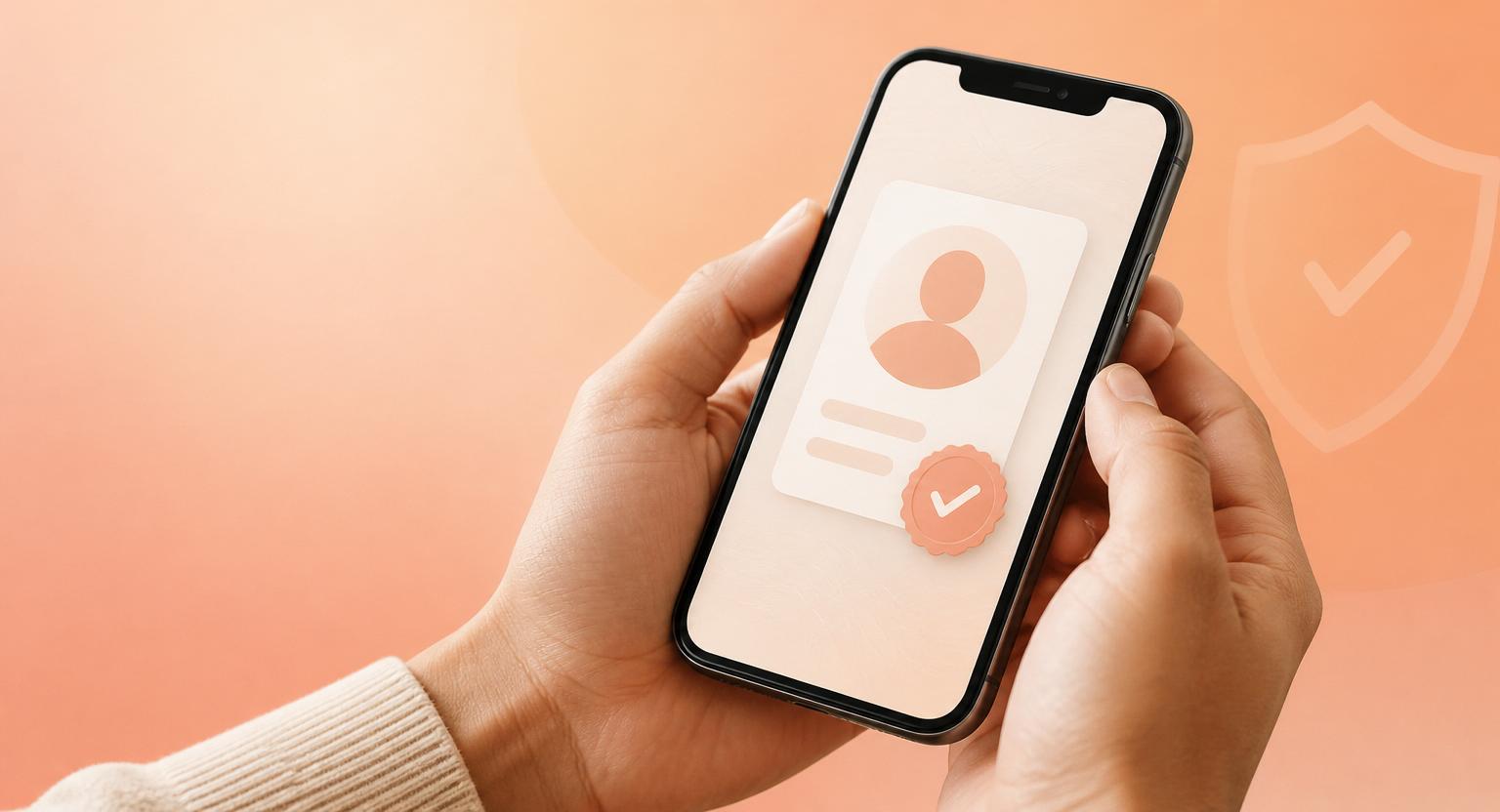
Most apps that let strangers meet in real life still treat trust as an afterthought. We don't. Every TBuddy profile passes through a layered verification pipeline before it can post a task, apply to help, or send a first message to someone they don't already follow.
The four signals behind a verified tick
- Phone — a one-time code sent to a real number, deduplicated across the network so the same SIM can't run multiple profiles.
- Email — confirmed at sign-up via a 6-digit code from help@tbuddy.app. We only let one account exist per verified email.
- Government ID — uploaded into a private bucket only our trust team can read, matched against the name on the profile.
- Selfie — a live capture matched to the ID. The raw image is deleted within 30 days; only the verified flag stays on the profile.
The tick you see on a profile means all four passed. Anything less, and the profile is marked partial — useful, but with reduced trust.
Trust isn't a moment, it's a score
Verification gets you in the door. After that, your behaviour decides how much the community trusts you. The trust score rises with completed tasks, on-time arrivals and 5-star reviews; it drops with cancellations, reports and skipped chats. The number is visible on every profile.
We'd rather you meet five highly-trusted buddies than fifty unverified ones.
What we'll never do
- We never sell or share ID data with advertisers — ever.
- We never let a verified tick override a report. One credible safety report can pause an account in minutes.
- We never accept paid verification. The tick can't be bought.
If you ever see a profile that feels off — even a verified one — tap the red shield in the chat. Our on-call team reviews every report within 24 hours.